






Research progress stuck? First check that the technology is actually being researched, then check lab power and science-pack delivery. Fix the first break you find, and watch whether progress resumes before changing anything else.
First, look at what the technology actually requires
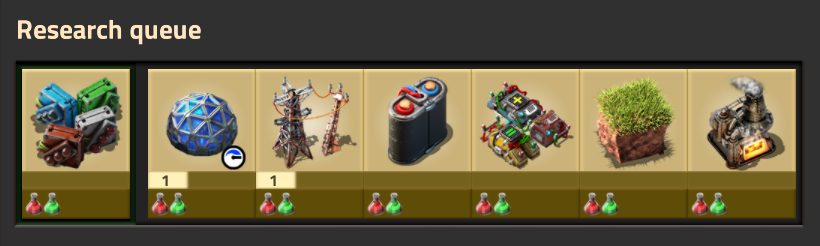
With default PC bindings, press T to open the technology screen, select the ordinary technology and click Start Research. With the queue enabled, this adds it to the queue; it does not necessarily make it active immediately. Check the queue at the upper left, then the current research name and progress at the upper right of the game screen. A different current name means your chosen item is still waiting. The useful success signal is that your target becomes active and progresses when supplied, not that its preview is open. Ordinary technologies advance only when labs consume every science pack the recipe lists, so note exactly which packs are required before anything else.
One distinction matters here: every required pack type must sit in the same lab. One lab holding red packs while its neighbor holds green packs does not count as having both.
Also check what kind of technology it is. The 2.0 base game contains triggered technologies that finish when you perform a stated task — mining a certain amount, crafting a number of items — rather than consuming packs. For those, read the requirement and go do it; no lab arrangement will trigger them.
Success here means pack-driven research is active and you know its required pack list. If all that holds, move on to the labs themselves.
Then check lab power and delivery
Labs are electric machines, so start with the grid. Click a power pole to open its electric network information and check two figures: satisfaction and production. Being inside a pole's supply range is not the same as being wired to your generators, so follow the poles and confirm the lab's network genuinely connects. And don't trust appearances — a lab can look active while the network quietly starves; the satisfaction figure is what tells the truth.
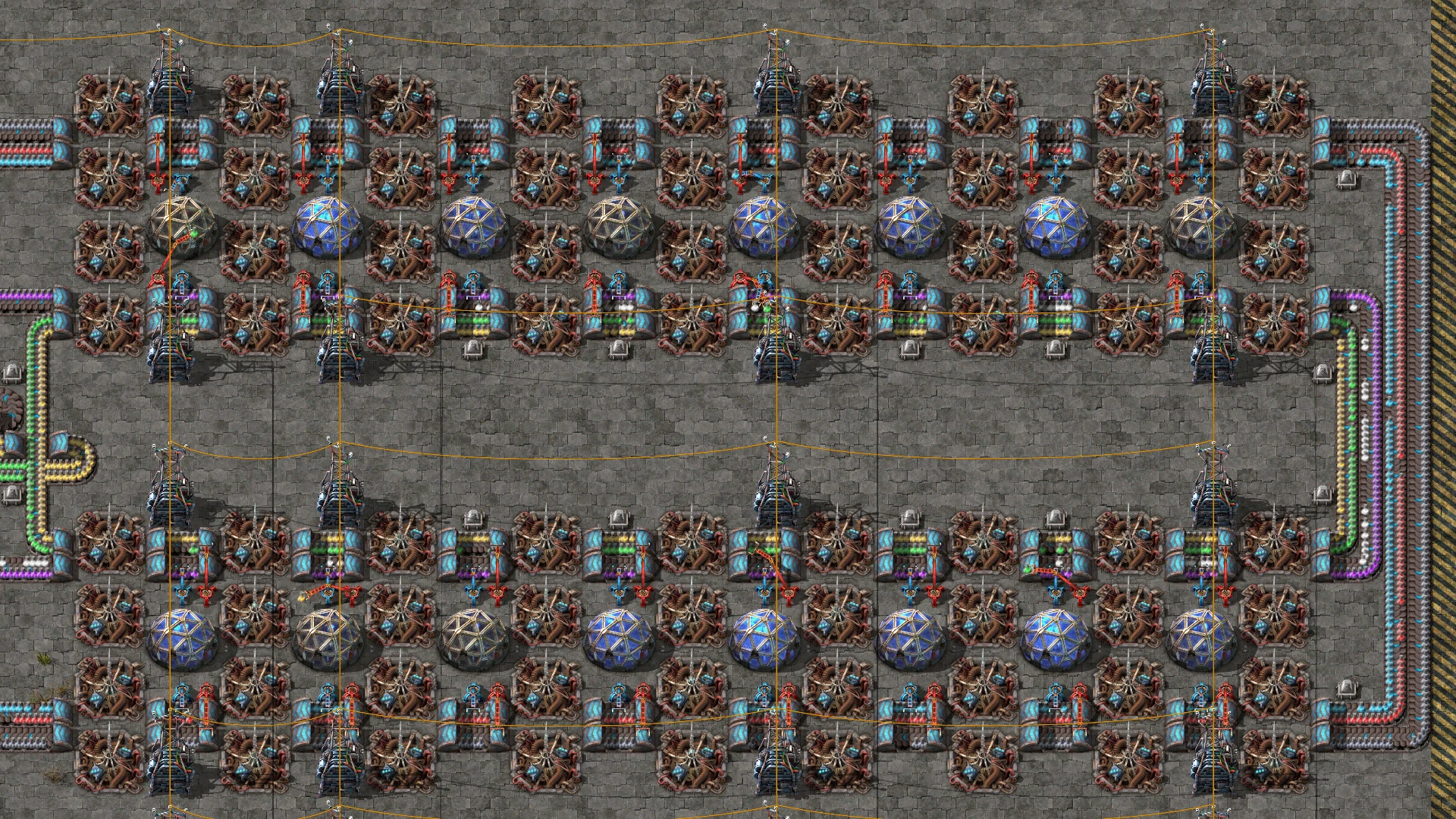
With power confirmed, watch the labs themselves. Inserters deliver science packs, which are consumed during research. Inserters can also transfer unconsumed packs to another lab. Check for incoming packs and rising research progress; if all required packs are present but progress stays still, return to the active research and power checks.
Trace the missing science pack upstream
Click one stalled lab to inspect its science-pack inventory, and compare the stored pack types with the active technology's requirements. Packs on the belt are not packs inside that lab. Identify the missing type, then trace back from that lab's input inserter along its supply belt to the machines producing it. Fix one gap at a time rather than rebuilding the whole line.
One pattern deserves special attention: the first lab in a row gets packs while the last sits empty. Check both total upstream supply and delivery along the row: inserter placement, belt connections and throughput. A lab chain is not guaranteed to share evenly, and an upstream shortage can also starve the last lab.
Hold off on adding more labs until each one keeps its full pack set in stock and progress rises without pauses. Only then is it worth scaling up.
With supply steady, decide how to speed up unlocks
Multiple labs can advance the same technology together, but only while power and science-pack production keep up. That is why the supply checks come first. Expand after those checks, then verify that the extra labs still receive enough power and packs.
If the remaining obstacle is waiting for an ordinary selectable technology, you can choose Instant Research On Click on the ModOpen Factorio page. Spend less time waiting for an unlock and more time building the next factory section. This recommendation concerns ordinary selectable research; follow the displayed task for a triggered technology.
References
Scope: the Factorio 2.0 base game on PC with keyboard and mouse and default bindings. Use your own technology-screen binding if remapped. Mods that change research or the technology tree are outside this guide.
Frequently asked questions
Why isn't research progressing even though the lab has red science packs in it?
Check whether the active technology needs additional pack types, and every required type must be present in the same lab at the same time — packs spread across different labs don't count. It could also be a triggered technology that wants a specific task done instead of packs. Confirm the full pack list first, then check power and delivery.
Does building more labs always make research faster?
Only as long as power and science packs keep up with them. If the first lab gets fed while the last one starves, verify steady delivery to every lab before scaling. Once supply is proven, additional labs genuinely speed up the same technology.
Can instant research replace a whole science pack production line?
This guide recommends it as an option for players who have diagnosed their research chain and want to reduce waiting, not as a reason to dismantle production. The public feature name alone does not establish whether a particular version skips pack costs or prerequisites. Check the feature description for your game version before relying on it. To diagnose stalled labs, keep following the technology, power and supply checks above.